Older tool
Choose between Quiz Builder and Assignments
Use the tool that matches how students will receive and complete the work.
Quick answer
Use Assignments for new work that students will complete in Fiveable and that you want to review, grade, or analyze there. Use the older Quiz Builder only when you specifically need to finish or recreate a Google Forms or Google Docs export.
What to do
Choose Assignments for a Fiveable workflow
Assignments can publish a student link, collect responses, show review tasks in Inbox, hand grades back, and add class-level information to Insights.
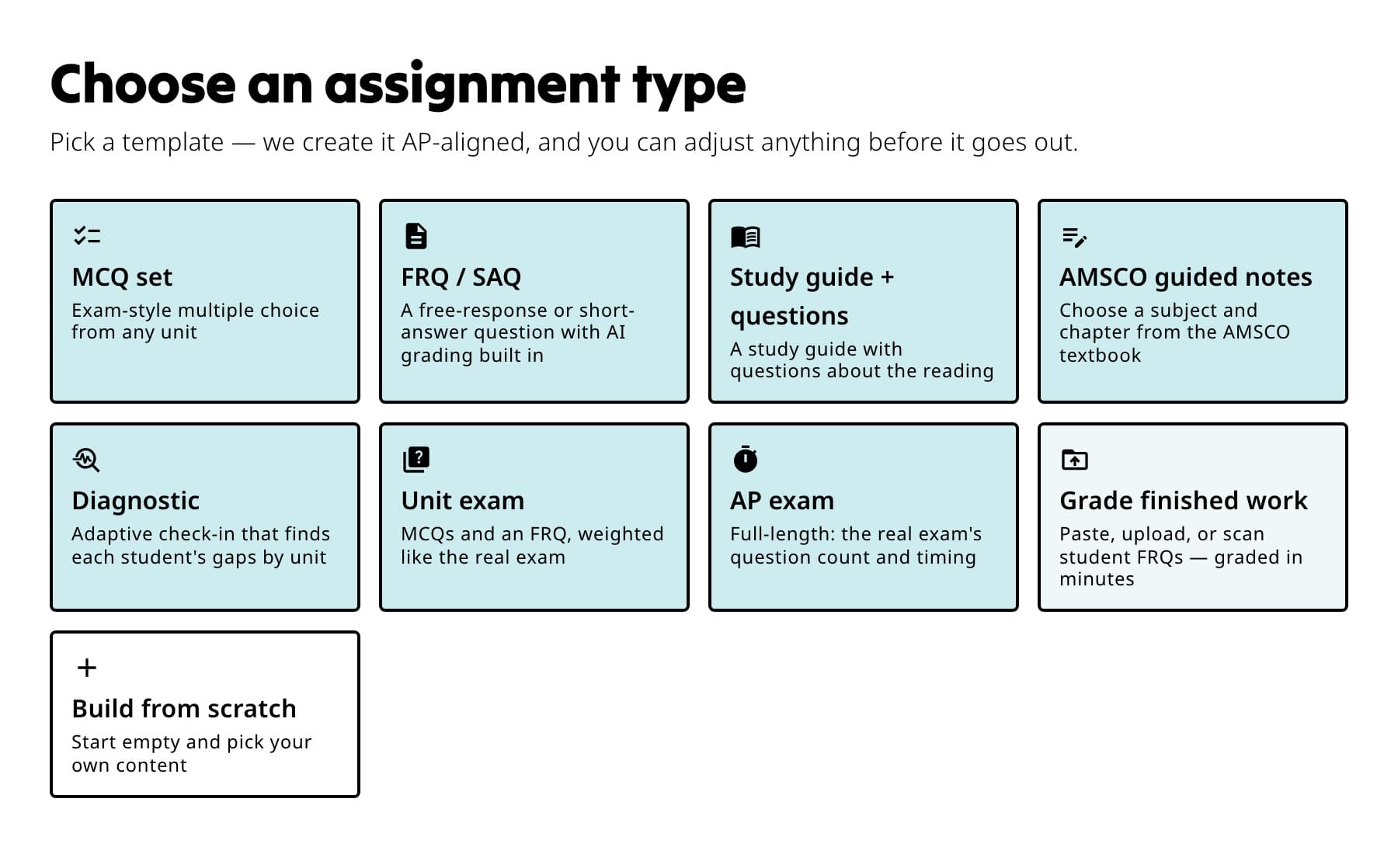
Use Assignments when students will complete the work in Fiveable and you want responses, grading, and Insights together. Choose Quiz Builder for a Google file
Quiz Builder creates a Google Form or Google Doc. The student work and results stay in the Google tool rather than the Fiveable assignment workflow.
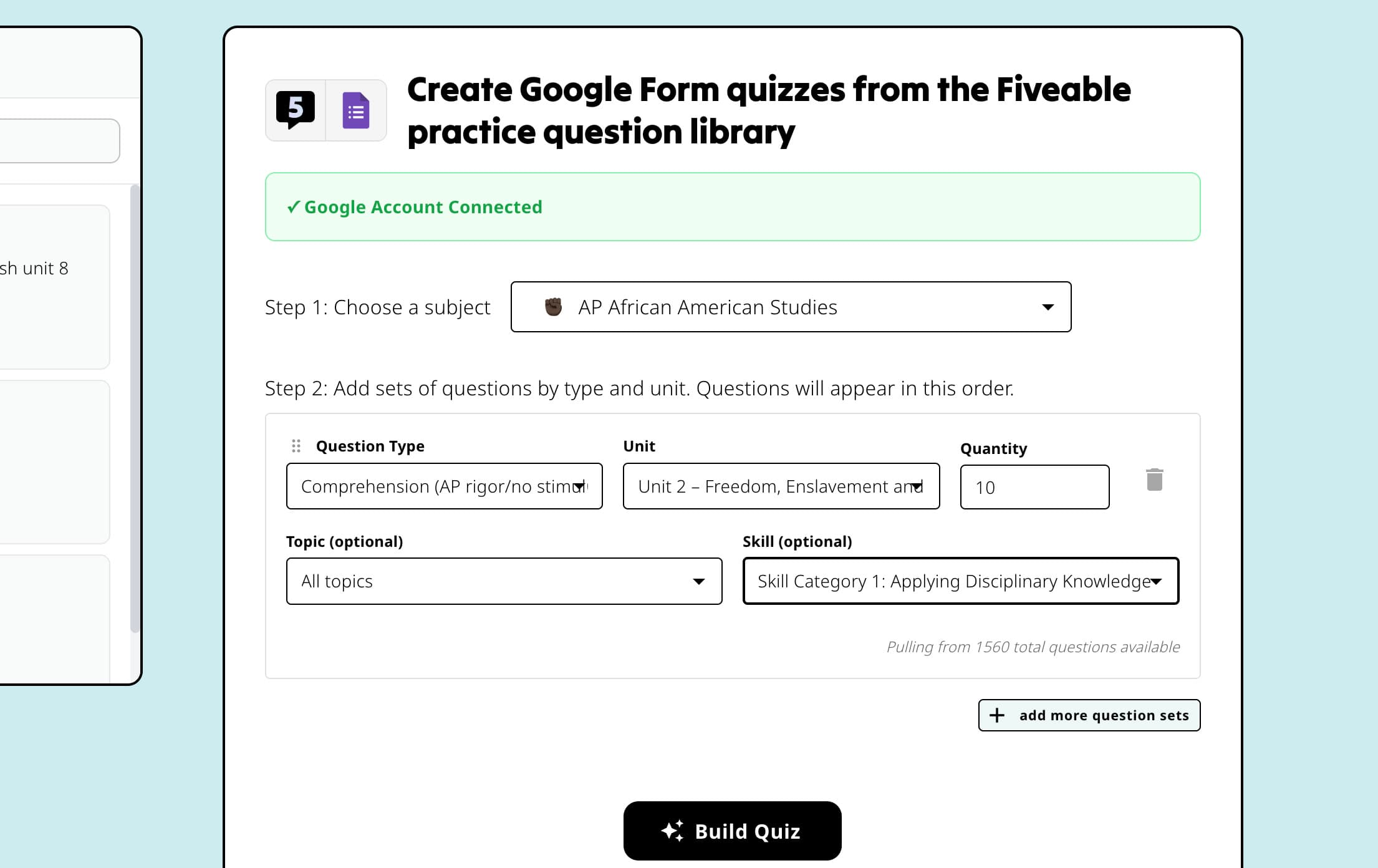
Use Quiz Builder only when the output you need is a Google Form or Google Doc. Keep existing work in place
Finish an existing quiz export or grading session in the older tool. Use Assignments when you begin the next activity.
If something is not working
You need a printable activity, not an online assignment.
Use the Print center. It includes ready-to-print resources and Google export options for supported formats.
Did this guide answer your question?
Keep going
Choose an assignment type
Finish a quiz in the older Quiz Builder
Choose the right printable resource