Use Insights to review class and student results
Filter performance by class, assignment, subject, and time period, then open the detail you need.
Quick answer
Open Insights and choose Class, Assignment, Subject, and Time period. Review MCQ accuracy, FRQ points earned, Turn-in rate or Submissions, and Students. Then open an assignment, student, unit, skill, or rubric point for the detail behind the summary.
What to do
Open Insights
Select Insights in the Teacher Workspace left menu.
Set the view
Use Class, Assignment, Subject, and Time period to define the group of results you want to examine.
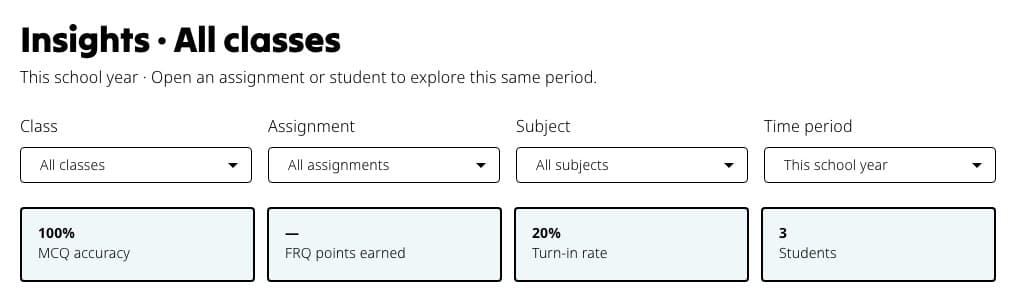
Set the four filters first. The summary cards immediately update to describe that exact group of work. Read the summary row
Start with MCQ accuracy, FRQ points earned, Turn-in rate or Submissions, and Students. These values follow the filters you chose.
Follow the callouts
When enough data is available, Insights can point to students whose recent results dropped or a weak topic that deserves another look.
Open the tables and maps
Use Assignments for set-level results, Students for individual trends and missing work, and the unit, skill, or rubric sections for content patterns.
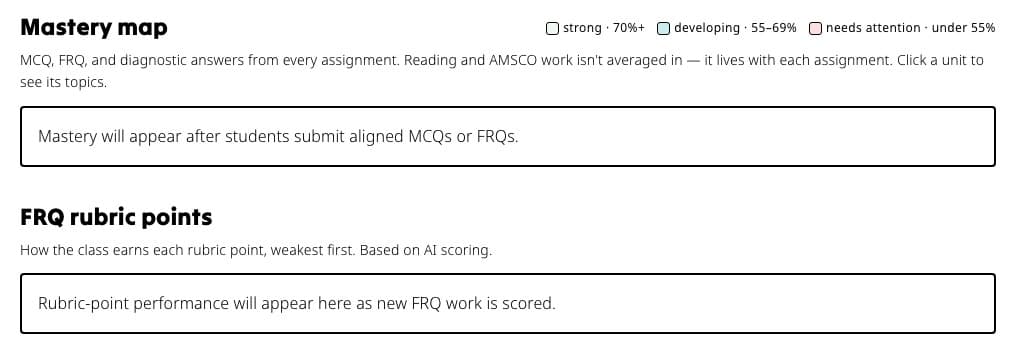
Use the mastery map for unit and topic patterns, then the FRQ section for performance by rubric point.
If something is not working
Insights is empty.
Confirm students have submitted work in the selected Time period. Clear the Assignment or Class filter to widen the view.
Turn-in rate is replaced by Submissions.
Fiveable shows Turn-in rate when the selected class has an expected roster count. Without that denominator, it reports the number of submissions instead.
Did this guide answer your question?