
Easing and interpolation are key to creating natural, fluid animations. These techniques mimic real-world physics, adding realism and visual appeal to your work. From built-in functions to custom curves, mastering these tools elevates your animations.
Understanding different easing types and interpolation methods opens up a world of creative possibilities. Whether you're animating a bouncing ball or a complex character walk cycle, these concepts help you craft smooth, engaging animations that captivate viewers.
Understanding Easing and Interpolation in Animation
Concept of easing
- Gradual acceleration or deceleration of animation mimics natural movement and physics (bouncing ball, swinging pendulum)
- Adds realism to animations improves visual appeal and smoothness
- Ease-in starts slow accelerates towards end, ease-out begins fast decelerates at finish, ease-in-out combines both
- Easing curves visually represent animation progress over time X-axis shows time Y-axis displays progress
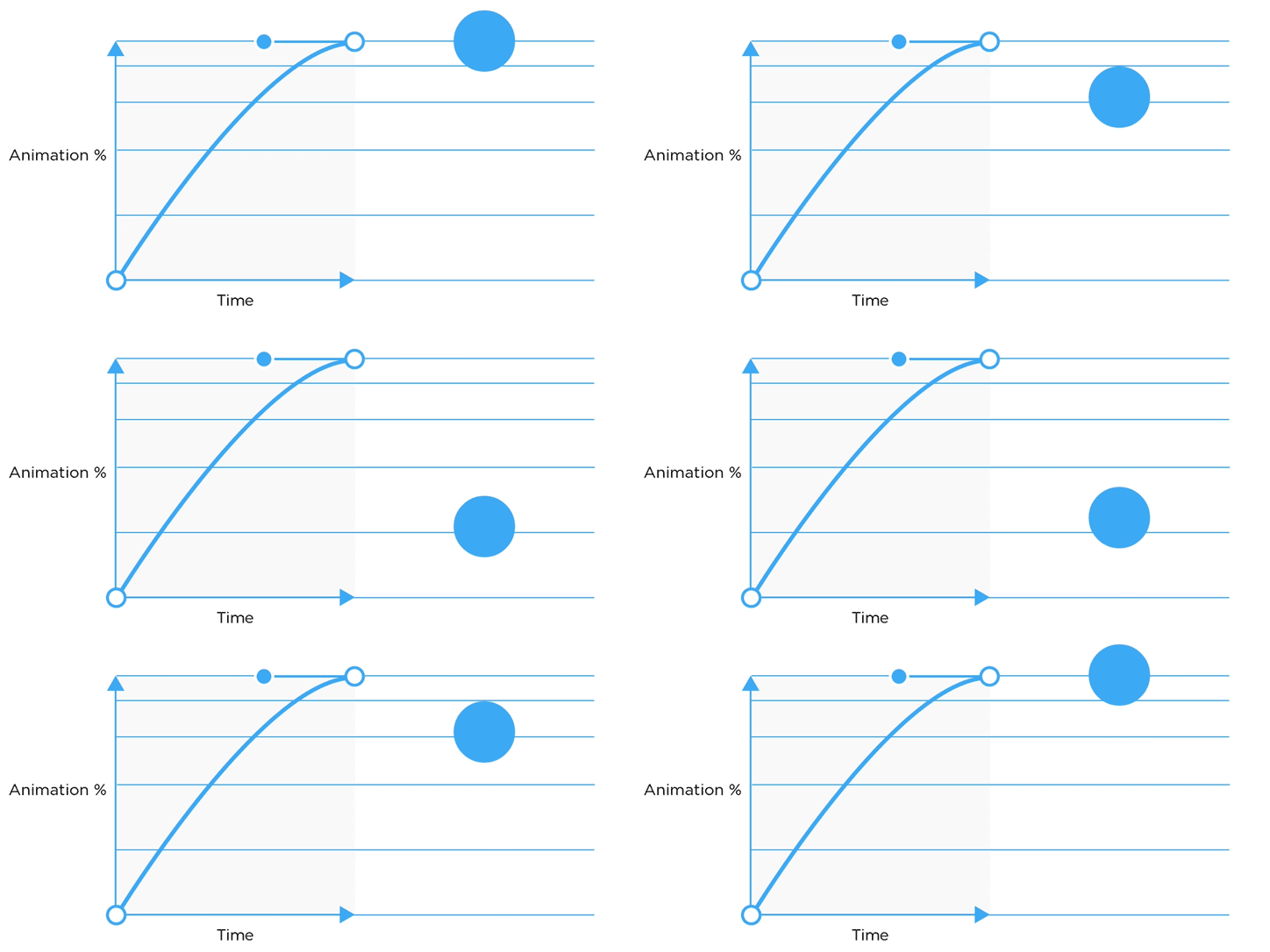
Built-in easing functions
- Linear maintains constant speed throughout animation
- Quadratic based on square function creates gentle acceleration or deceleration
- Cubic uses cube function for more pronounced easing effect
- Quartic employs fourth power function for even stronger easing
- Quintic utilizes fifth power function for most dramatic acceleration or deceleration
- Implement by selecting appropriate function adjusting duration and intensity
- Combine multiple functions create complex animations with varied pacing (character walk cycle)
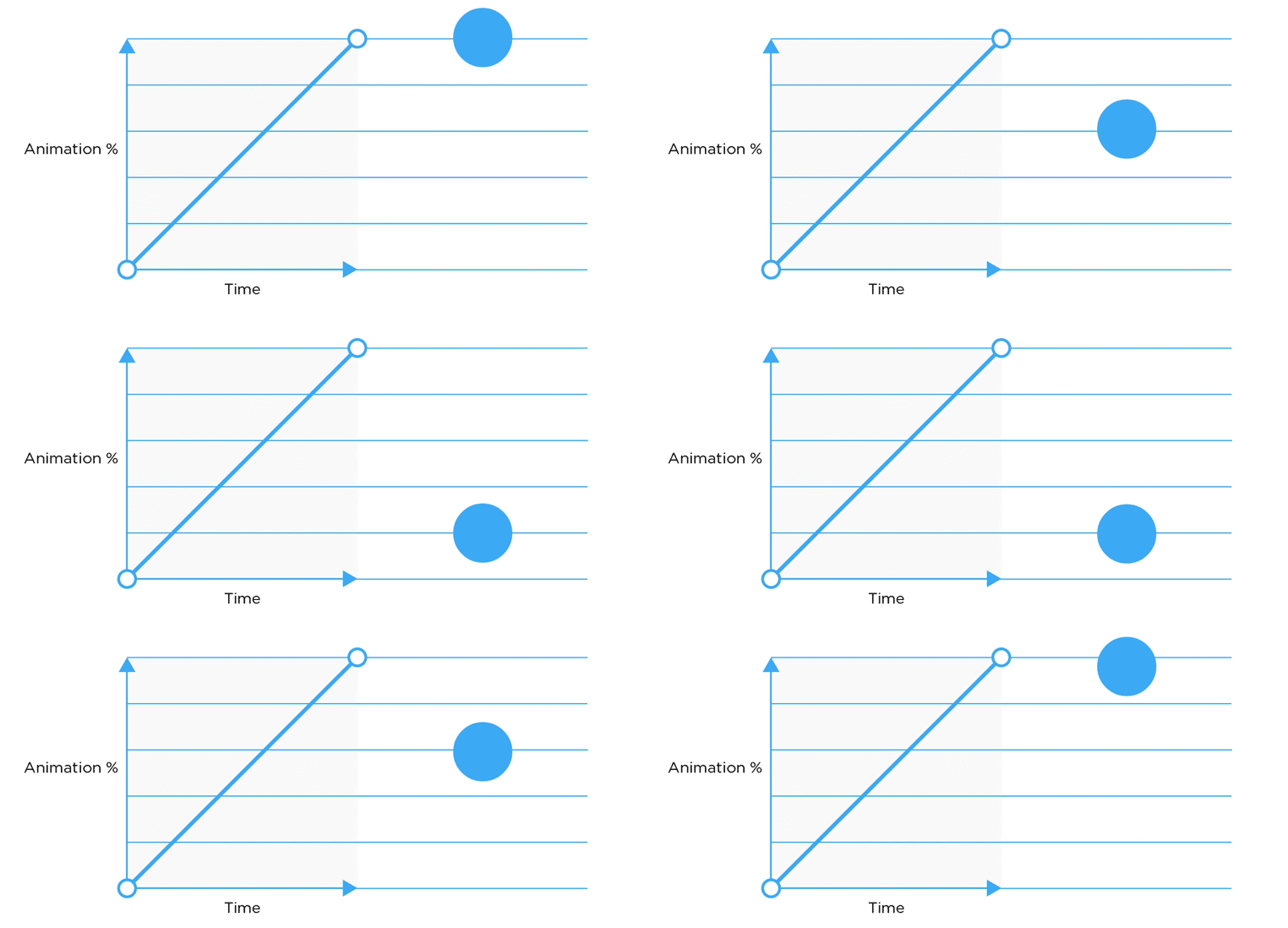
Custom easing curves
- Bezier curves use control points define curve shape adjust handle positions for desired effect
- Mathematical functions create formulas for unique motion patterns utilize trigonometric functions for oscillating effects (sine wave)
- Keyframe interpolation manually adjust positions fine-tune acceleration and deceleration points
- Experiment with different curve shapes achieve specific animation styles (bouncy, elastic, overshoot)
Interpolation for non-linear animations
- Linear interpolation (LERP) calculates intermediate values between two points used for straight-line motion
- Spherical Linear Interpolation (SLERP) ensures constant angular velocity useful for smooth rotations and quaternions
- Catmull-Rom spline creates smooth curve through series of points ideal for camera paths and complex trajectories
- Hermite curve defines curve using start and end points with tangents allows precise control over curve shape