

teachers can now grade FRQs in bulk with AI
march 3, 2026
Upload a whole class's FRQ responses and get AI scores for every student at once — review, override, and export results without grading 30 essays by hand.
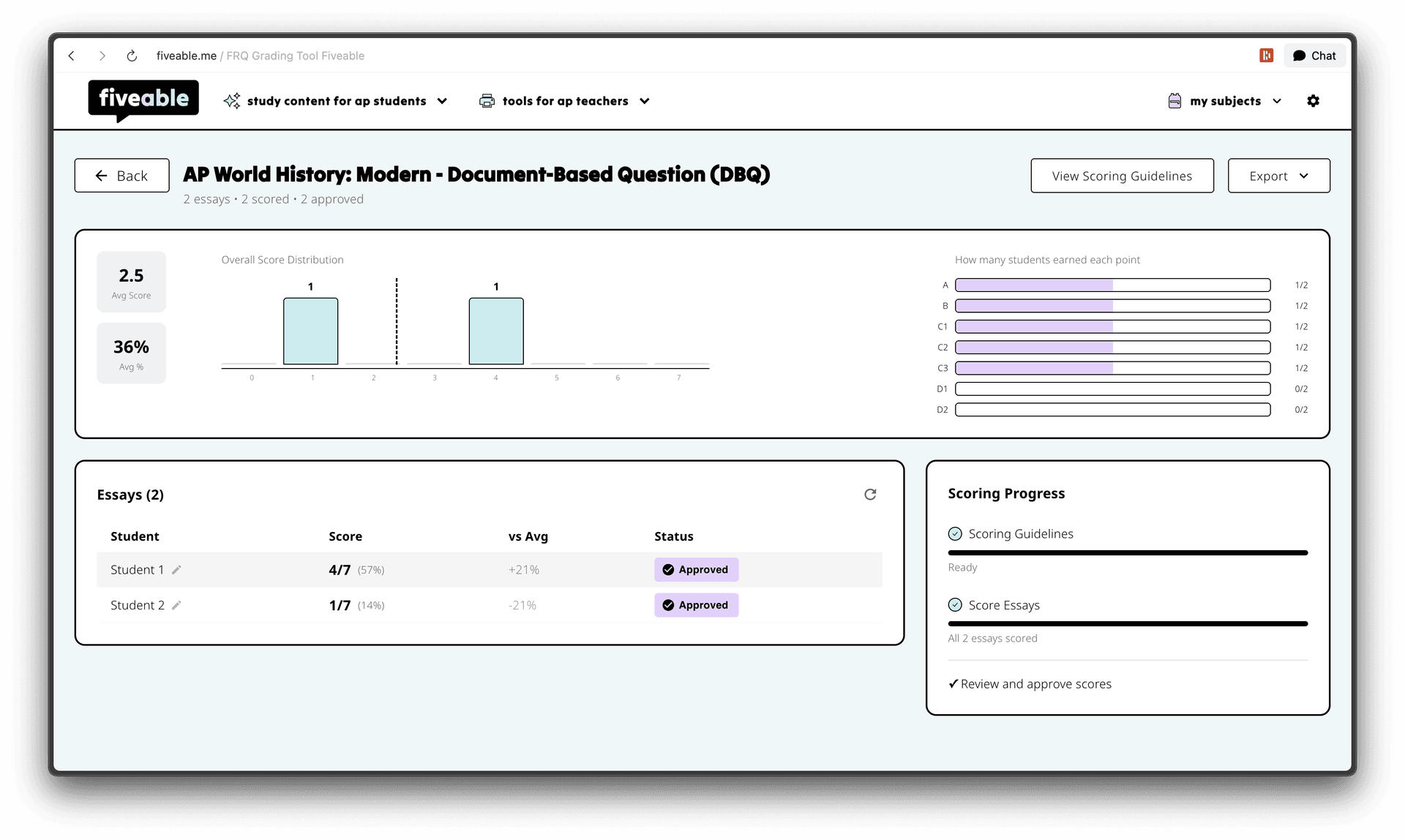
FRQ grading is one of the most time-consuming parts of teaching AP. Going essay by essay, checking rubric points, tracking scores across a spreadsheet — it adds up fast.
The grading tool lets you upload student responses from Google Drive, Google Classroom, or as image/PDF uploads. Pick your FRQ prompt (or use a Fiveable one), and the AI scores every response against the rubric simultaneously. You see a live progress dashboard as scores come in. From there you can review each essay, override individual point calls, and approve when it looks right.
When you're done, export results to CSV, Google Sheets, PDF reports, or push grades back to Google Classroom directly.

shipped by
amanda