
G-code is the language that tells 3D printers how to create objects. It controls movement, temperature, and other functions. Understanding G-code helps optimize printing and troubleshoot issues.
G-code generation turns 3D models into printable instructions. This process involves converting CAD files to STL format, slicing the model into layers, and applying print settings. Mastering G-code generation is key to successful 3D printing.
Fundamentals of G-code
- G-code forms the foundation of computer numerical control (CNC) in additive manufacturing and 3D printing
- Serves as a standardized language for instructing 3D printers and other CNC machines on how to create objects
- Understanding G-code enhances the ability to optimize and troubleshoot 3D printing processes
Definition and purpose
- Machine-readable programming language used to control automated machine tools
- Provides precise instructions for movement, speed, and other machine functions
- Enables the translation of 3D models into physical objects through additive manufacturing
Historical development
- Originated in the 1950s as part of the numerical control (NC) system for machining
- Evolved from punched tape systems to modern computer-based control
- Adapted for use in 3D printing technology in the 1980s and 1990s
Role in 3D printing
- Guides the 3D printer's movements in three-dimensional space
- Controls extrusion rates, temperatures, and other printing parameters
- Allows for customization and fine-tuning of the printing process
- Facilitates communication between design software and 3D printing hardware
G-code structure and syntax
- G-code utilizes a specific structure and syntax to ensure clear communication with 3D printers
- Understanding G-code structure is crucial for troubleshooting and optimizing 3D printing processes
- Proper syntax allows for precise control over various aspects of the printing operation
Basic commands
- G-codes control motion and machine state (G0 for rapid movement, G1 for controlled movement)
- M-codes manage miscellaneous functions (M104 for setting extruder temperature)
- F-codes set feed rates and speeds
- E-codes control extrusion amounts
Coordinate systems
- Cartesian coordinate system (X, Y, Z) used for positioning
- Absolute coordinates specify exact positions from a fixed origin
- Relative coordinates define movements relative to the current position
- Polar coordinates sometimes used for circular movements
Common G-code instructions
G28homes all axesG1 X100 Y100 Z10 F3000moves to specified coordinates at 3000 mm/minM109 S200sets and waits for extruder temperature to reach 200°CG92 E0resets the extruder position
G-code generation process
- G-code generation transforms 3D models into printable instructions for additive manufacturing
- This process involves multiple steps and software tools to prepare the model for printing
- Understanding the generation process helps in troubleshooting and optimizing print quality
CAD to STL conversion
- Computer-Aided Design (CAD) files converted to STL (Standard Tessellation Language) format
- STL represents 3D surfaces as a collection of triangular facets
- Conversion process may introduce errors or artifacts that require correction
- Higher resolution STL files provide more accurate prints but larger file sizes
Slicing software
- Transforms STL files into layers for 3D printing
- Popular slicers include Cura, PrusaSlicer, and Simplify3D
- Calculates tool paths, support structures, and infill patterns
- Generates G-code based on user-defined print settings and parameters
G-code file formats
- .gcode most common file extension for 3D printing
- .nc and .tap used in some CNC applications
- Binary formats (X3G) used by some printer manufacturers for efficiency
- G-code can be compressed to reduce file size (gzip)
Slicer settings for G-code
- Slicer settings significantly impact the quality and characteristics of the final 3D printed object
- Adjusting these parameters allows for optimization of print speed, strength, and detail
- Understanding the relationship between different settings helps in achieving desired print outcomes
Layer height vs print speed
- Layer height affects surface smoothness and print time
- Thinner layers (0.1mm) produce smoother surfaces but increase print time
- Thicker layers (0.3mm) speed up printing but result in visible layer lines
- Print speed must be balanced with layer height for optimal extrusion and cooling
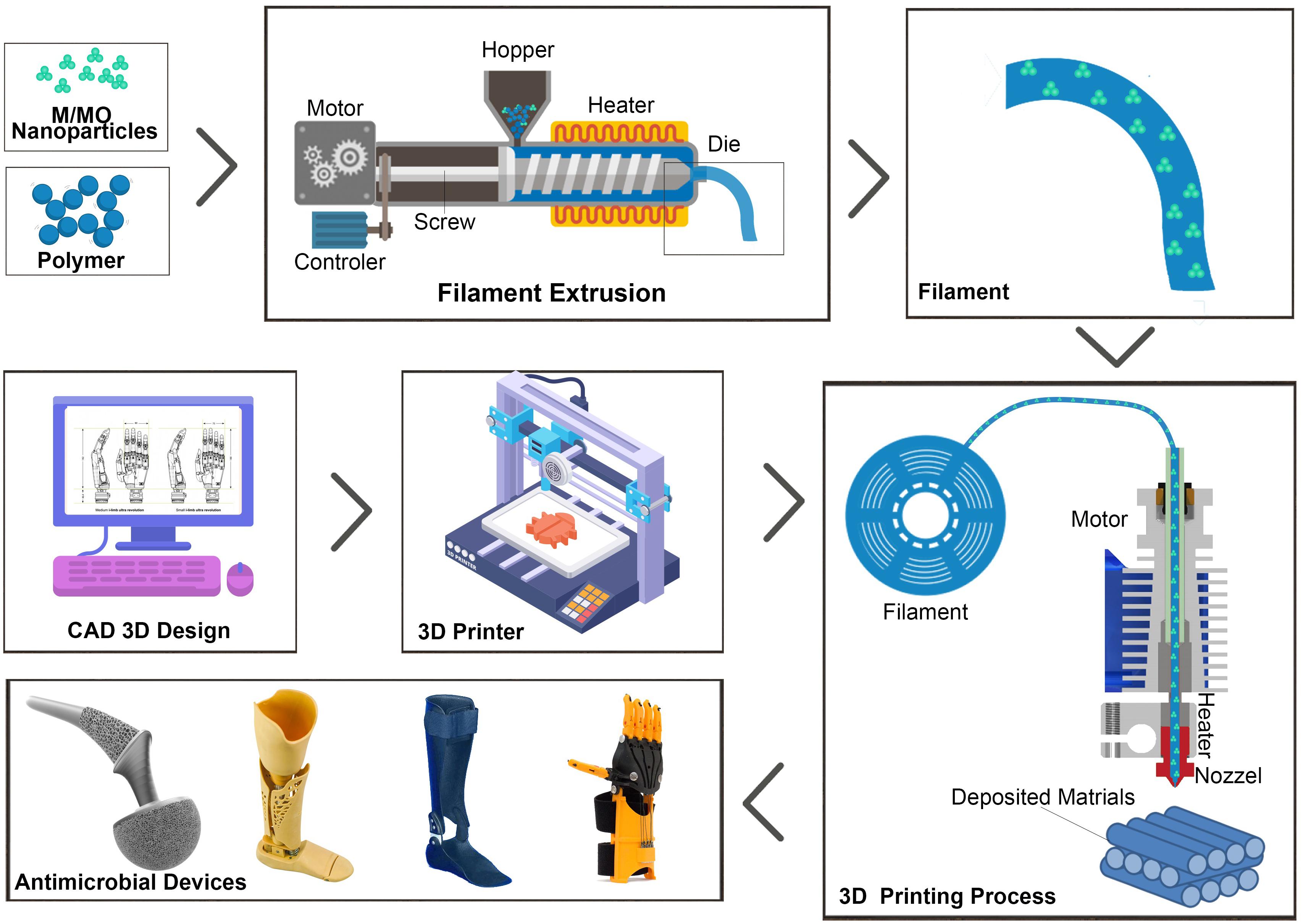
Infill patterns and density
- Infill provides internal structure and strength to printed objects
- Common patterns include grid, honeycomb, and gyroid
- Density ranges from 0% (hollow) to 100% (solid)
- Higher infill increases strength and weight but extends print time
- Infill patterns affect flexibility, strength, and material usage
Support structures generation
- Supports enable printing of overhanging features
- Tree supports minimize contact points and material usage
- Grid supports provide stable foundations for large overhangs
- Support density and pattern affect ease of removal and surface finish
- Proper support design reduces post-processing time and improves print quality
Machine-specific G-code
- Different 3D printers may interpret G-code commands differently
- Understanding machine-specific G-code ensures compatibility and optimal performance
- Customizing G-code for specific printers can enhance print quality and efficiency
Printer firmware compatibility
- Firmware interprets G-code and controls printer hardware
- Common firmware includes Marlin, Repetier, and Prusa firmware
- Firmware versions may support different G-code commands or features
- Updating firmware can add new capabilities or improve existing functions
Custom G-code commands
- Manufacturers may implement proprietary commands for specific features
M900 K0.05sets linear advance factor in Prusa printersM420 S1enables bed leveling compensation in Marlin firmware- Custom commands can control unique hardware features (multi-material units, filament sensors)
Start and end G-code scripts
- Start G-code prepares the printer for operation (homing, bed leveling, preheating)
- End G-code ensures proper shutdown procedures (retracting filament, cooling down, parking)
- Customizing these scripts can improve print adhesion and prevent issues
- Include commands for wiping nozzles, priming extruders, or creating purge lines
G-code optimization techniques
- Optimizing G-code can significantly improve print quality, speed, and efficiency
- Techniques focus on minimizing unnecessary movements and optimizing material usage
- Proper optimization can reduce print times and enhance the overall printing process
Travel moves optimization
- Minimize non-printing movements to reduce print time
- Implement combing mode to avoid crossing perimeters during travel
- Use Z-hop selectively to prevent nozzle collisions with printed parts
- Optimize tool path planning to reduce total travel distance
Retraction settings
- Adjust retraction distance and speed to prevent stringing and oozing
- Implement coasting to reduce pressure in the nozzle before travel moves
- Use wipe movements to clean the nozzle after retractions
- Fine-tune retraction settings based on filament type and print temperature
Cooling and print speed adjustments
- Vary print speeds for different features (perimeters, infill, supports)
- Implement adaptive layer time to ensure proper cooling of small layers
- Adjust fan speeds based on layer size and material requirements
- Use minimum layer time settings to prevent overheating of small features
Manual G-code editing
- Manual editing of G-code allows for fine-tuning and customization beyond slicer capabilities
- Enables implementation of advanced printing techniques and problem-solving
- Requires careful attention to detail to avoid introducing errors or conflicts
Common editing scenarios
- Adjusting temperatures or flow rates for specific layers
- Inserting pauses for filament changes or part insertions
- Modifying support structures or infill patterns
- Implementing custom movements for specialized printing techniques
Tools for G-code modification
- Text editors (Notepad++, Sublime Text) for basic editing
- Dedicated G-code editors (Repetier-Host, OctoPrint) with visualization features
- Custom scripts and plugins for automated G-code modifications
- Online G-code analyzers for identifying potential issues or optimizations
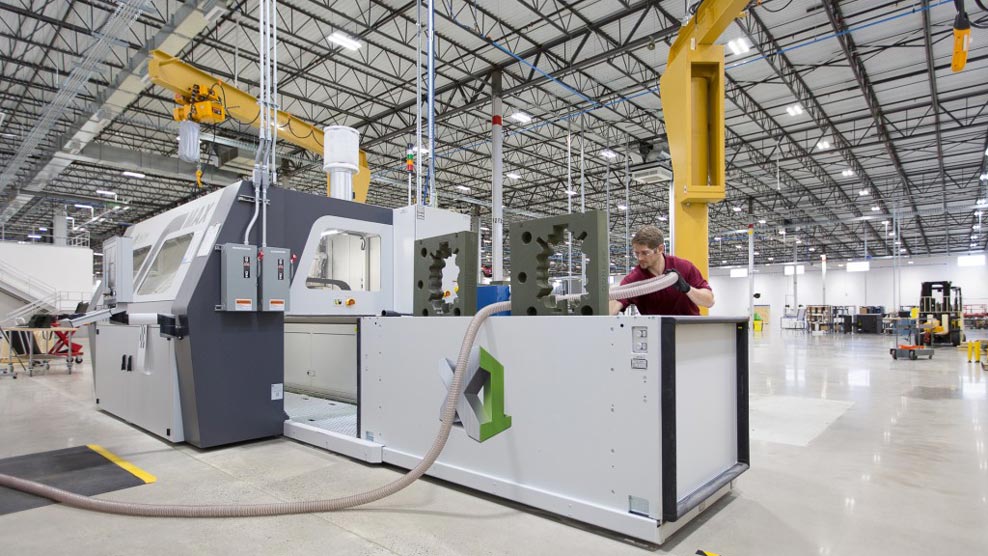
Risks and precautions
- Backup original G-code files before making modifications
- Test edited G-code on small prints or simulations before full-scale production
- Verify syntax and command compatibility with printer firmware
- Document changes made to G-code for future reference and troubleshooting
G-code interpretation and execution
- Understanding how 3D printers interpret and execute G-code is crucial for troubleshooting and optimization
- The process involves multiple components working together to translate digital instructions into physical movements
- Proper execution of G-code ensures accurate and reliable 3D printing results
Printer controller functions
- Interprets G-code commands and translates them into motor movements
- Manages temperature control for extruders and heated beds
- Monitors sensors for filament presence, endstops, and other feedback
- Coordinates timing of various printer functions (extrusion, movement, cooling)
Real-time G-code processing
- Buffers incoming G-code commands to ensure smooth execution
- Performs look-ahead calculations to optimize movement paths
- Adjusts execution speed based on printer capabilities and current state
- Implements motion planning algorithms to balance speed and accuracy
Error handling and recovery
- Detects and responds to issues like filament runout or temperature fluctuations
- Implements safety features to prevent damage from out-of-bounds movements
- Provides options for pausing and resuming prints in case of interruptions
- Logs errors and warnings for later analysis and troubleshooting
Advanced G-code features
- Advanced G-code features enable complex printing techniques and enhanced print quality
- These features often require specialized hardware or firmware support
- Implementing advanced features can significantly expand the capabilities of 3D printing systems
Multi-material printing commands
T0,T1commands for switching between multiple extruders- M-codes for managing filament loading and unloading in multi-material systems
- Custom G-code for purging and priming extruders during material changes
- Coordinates material changes with layer transitions or specific geometric features
Non-planar printing techniques
- Modifies Z-axis movements to create curved layer structures
- Requires custom G-code generation and compatible slicing software
- Enhances strength and surface finish for certain geometries
- Implements variable layer heights within a single print
Adaptive layer height control
- Dynamically adjusts layer height based on model geometry
- Thinner layers for curved surfaces, thicker layers for vertical walls
- Requires advanced slicing algorithms and firmware support
- Optimizes print time while maintaining surface quality
G-code in industry 4.0
- G-code plays a crucial role in integrating 3D printing with modern industrial systems
- Advanced technologies enhance G-code generation, optimization, and execution
- Industry 4.0 principles applied to G-code enable more efficient and flexible manufacturing processes
Integration with IoT systems
- Connects 3D printers to broader manufacturing networks
- Enables remote monitoring and control of printing processes
- Facilitates data collection for quality control and process optimization
- Allows for real-time adjustments based on sensor feedback and production demands
Cloud-based G-code generation
- Utilizes distributed computing resources for complex G-code calculations
- Enables collaborative design and slicing processes
- Provides access to extensive material and printer databases for optimization
- Facilitates version control and sharing of G-code files across organizations
Machine learning in G-code optimization
- Analyzes large datasets of print parameters and outcomes to improve G-code generation
- Predicts optimal settings for specific geometries and materials
- Implements adaptive control systems for real-time print optimization
- Enhances error detection and predictive maintenance through pattern recognition